Measure
Measure anything on any page.
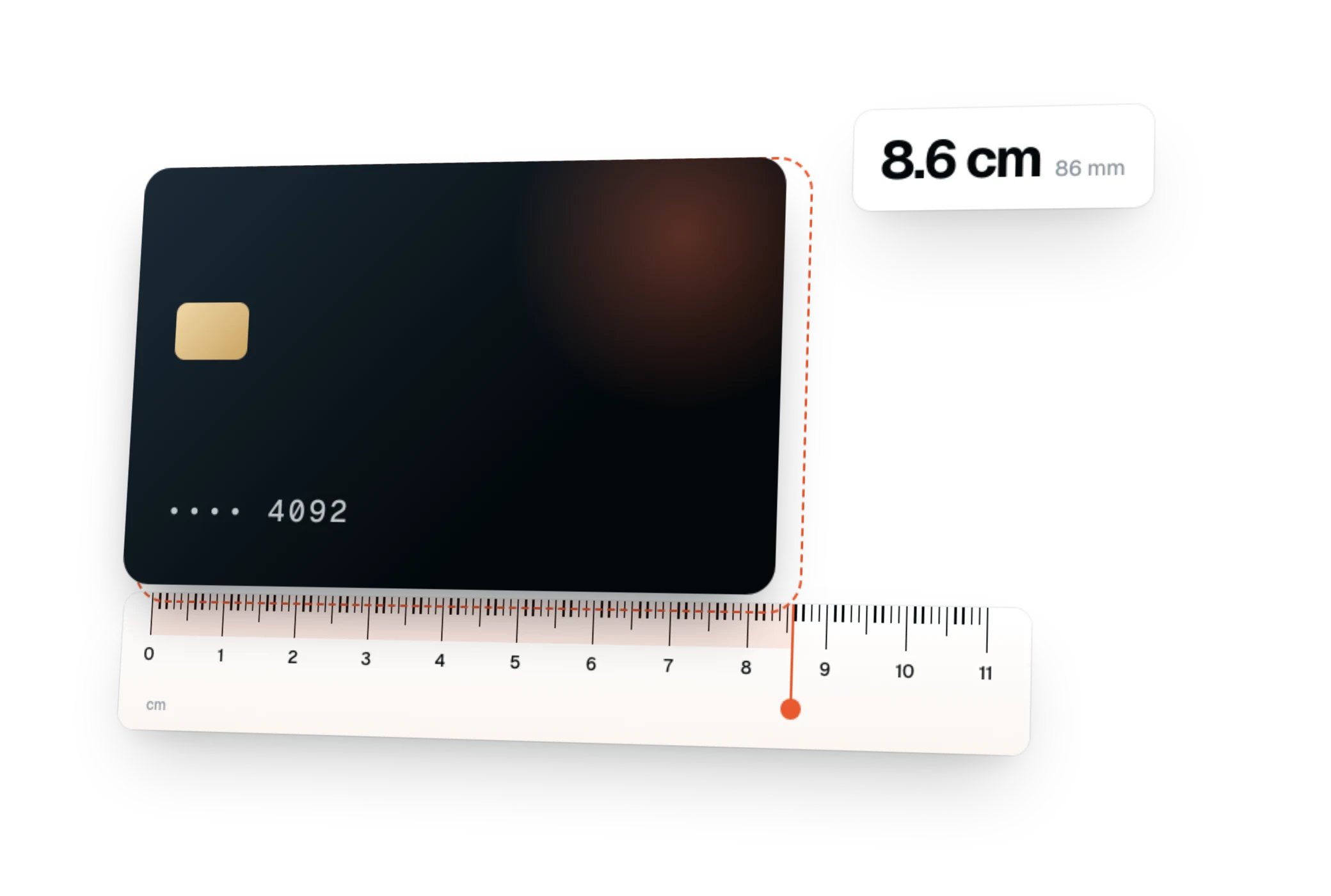
Distances, sizes and spacing as you hover, in px, rem, em, % or viewport units.
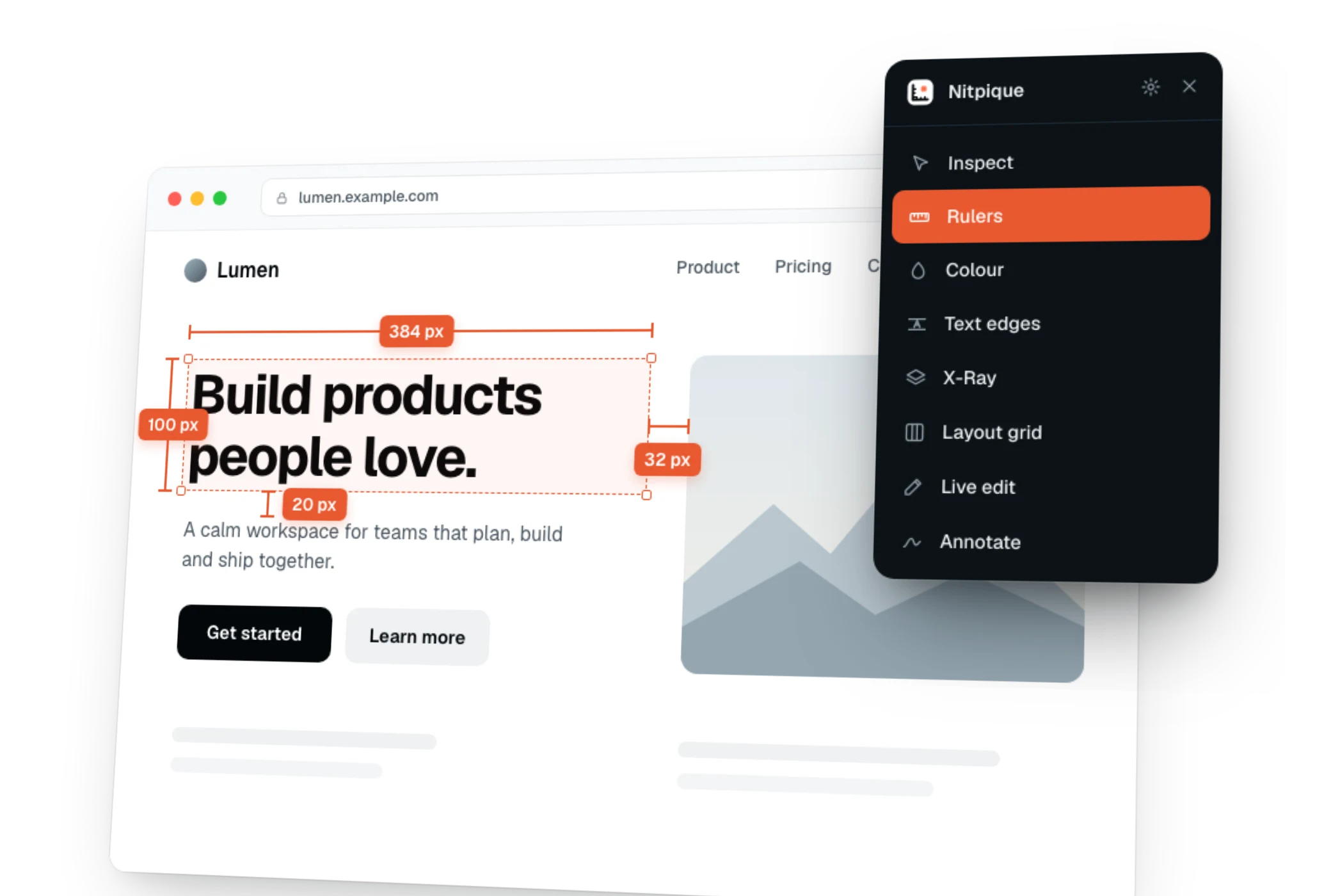
One Chrome extension to measure, inspect, edit and audit any page.
Nitpique Annotator
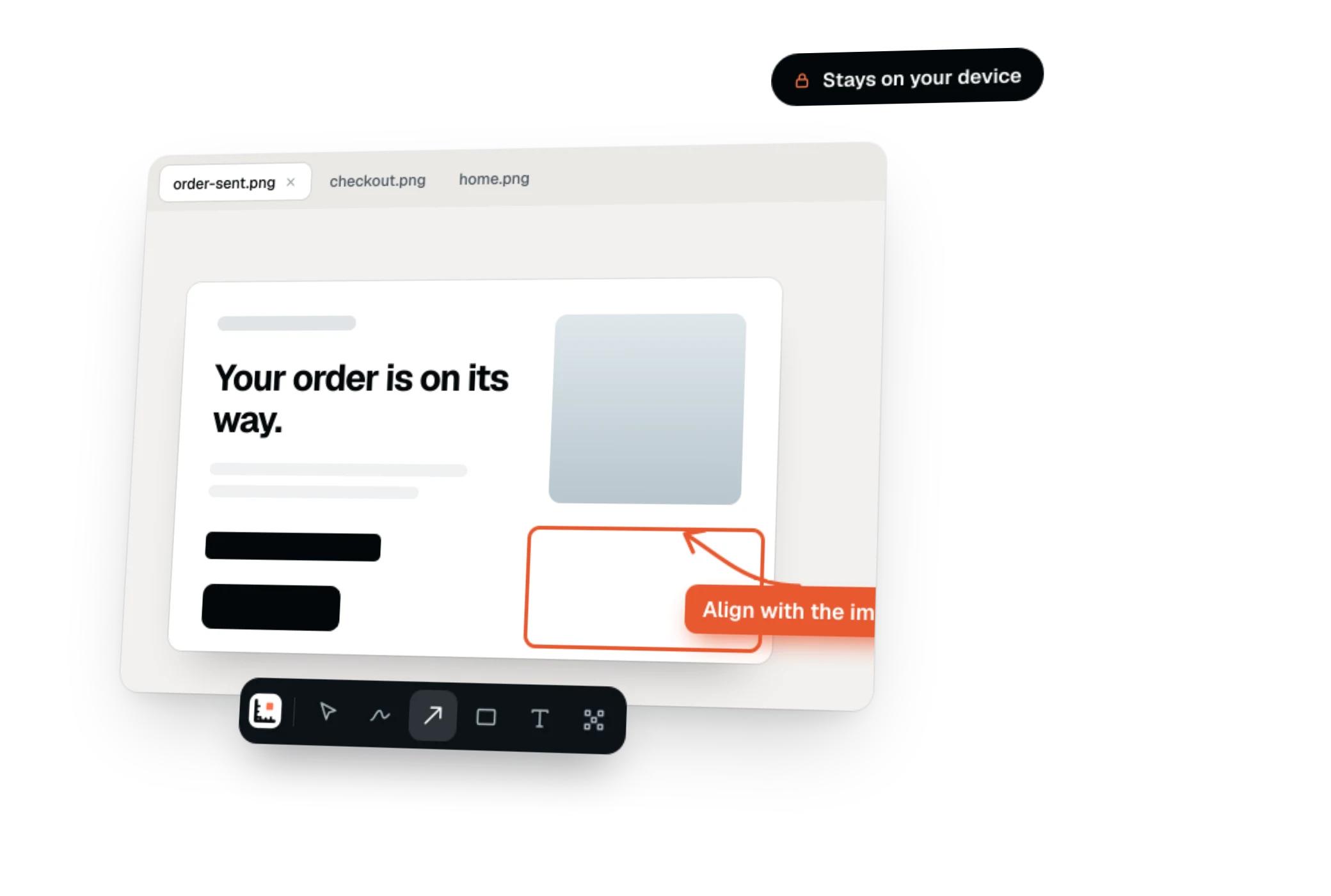
Arrows, shapes, text, highlights and blur on any image. Drop, paste or open it, each in a tab. Nothing is uploaded.
$0 forever
Try it: hover to inspect, click to select, then hover another element to measure.
Features
Measure and inspect any element, edit its CSS live, audit the page for accessibility, performance, SEO and AEO, then capture and annotate what you found. All without opening DevTools.
Measure
Distances, sizes and spacing as you hover, in px, rem, em, % or viewport units.
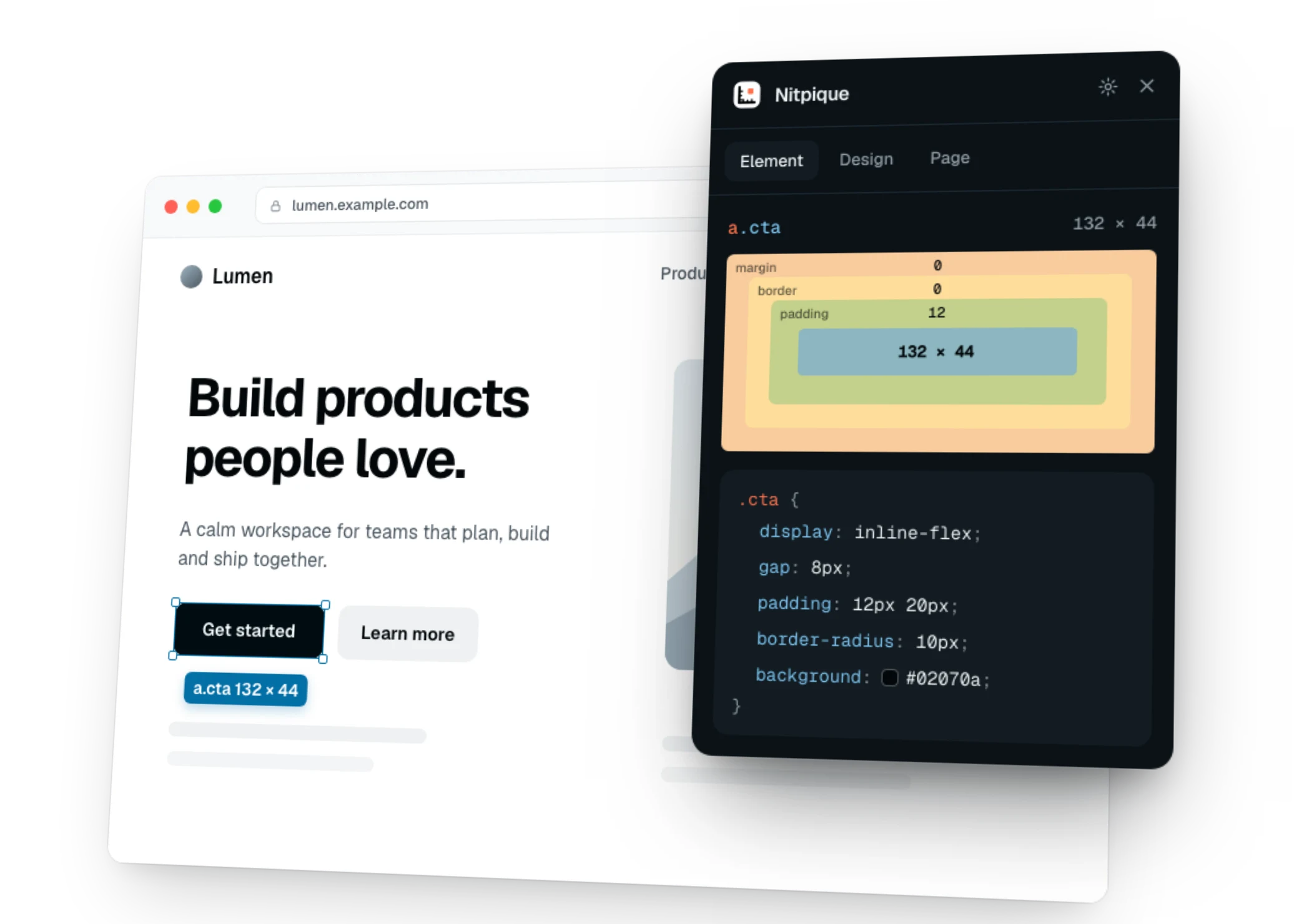
Inspect
The box model, every matched rule with where it comes from, and the computed styles.
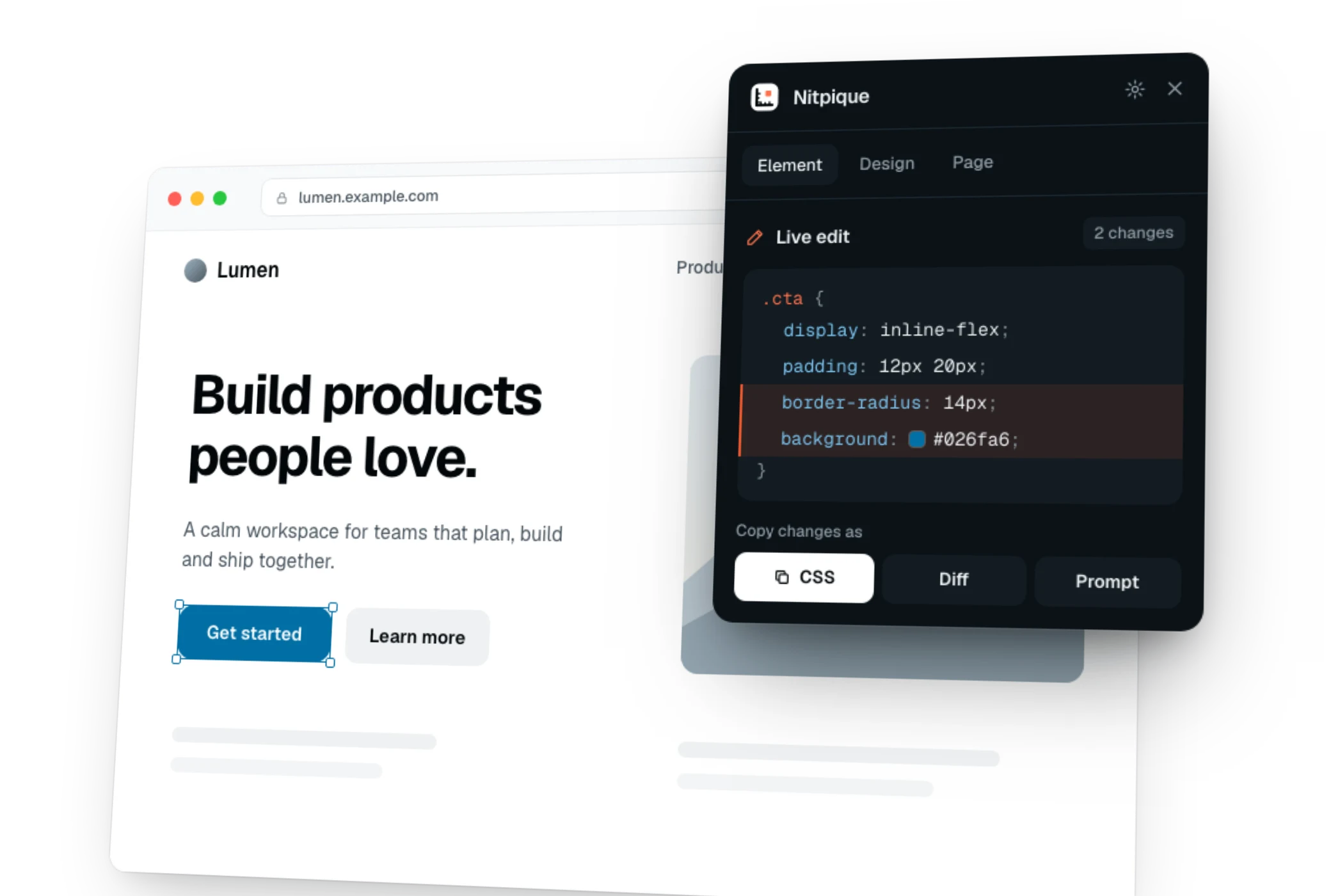
Edit live
Change any value on the page, then copy it as CSS, a diff or a prompt for your agent.
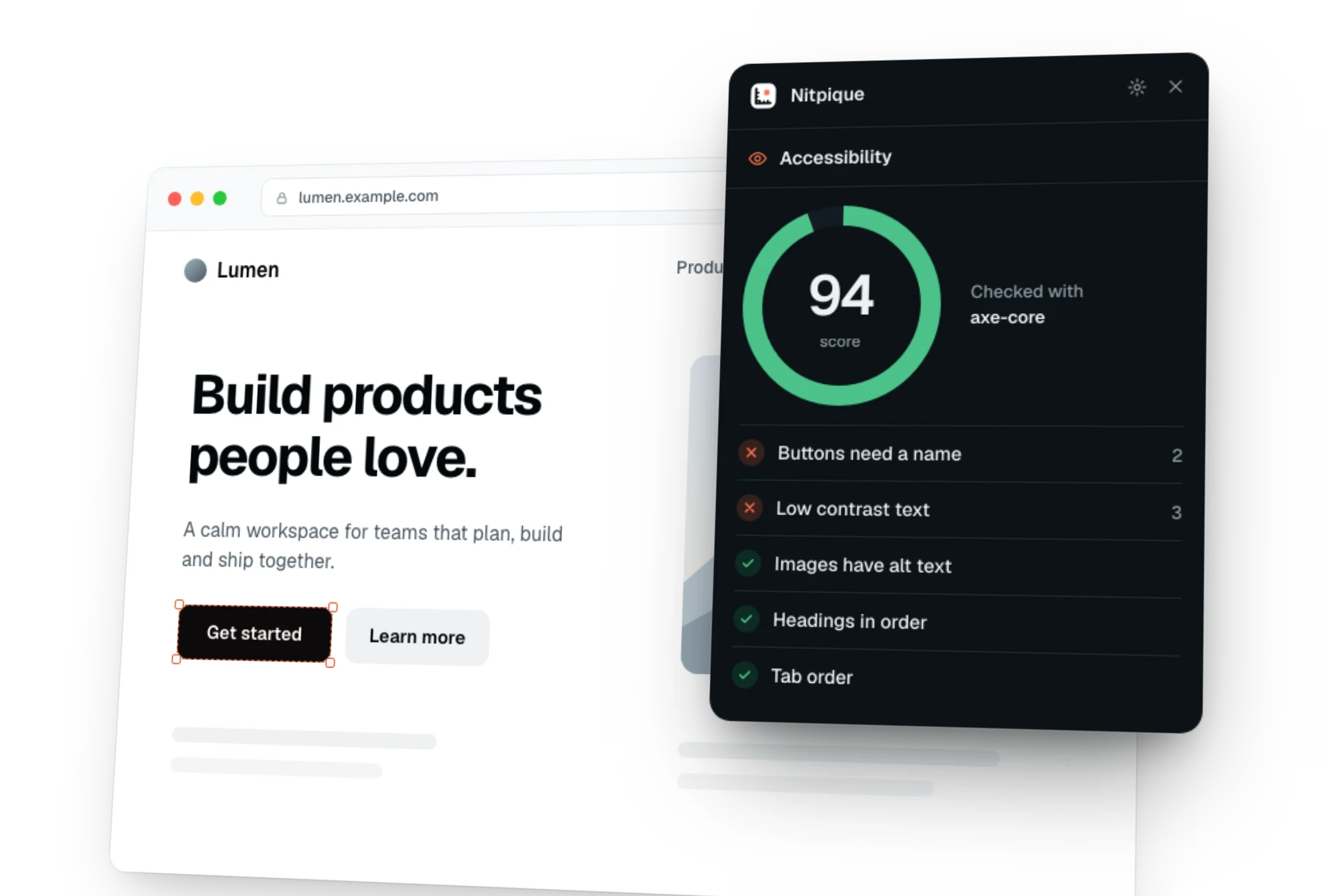
Accessibility
Contrast, touch targets, structure and tab order, scored, with axe-core one click away.
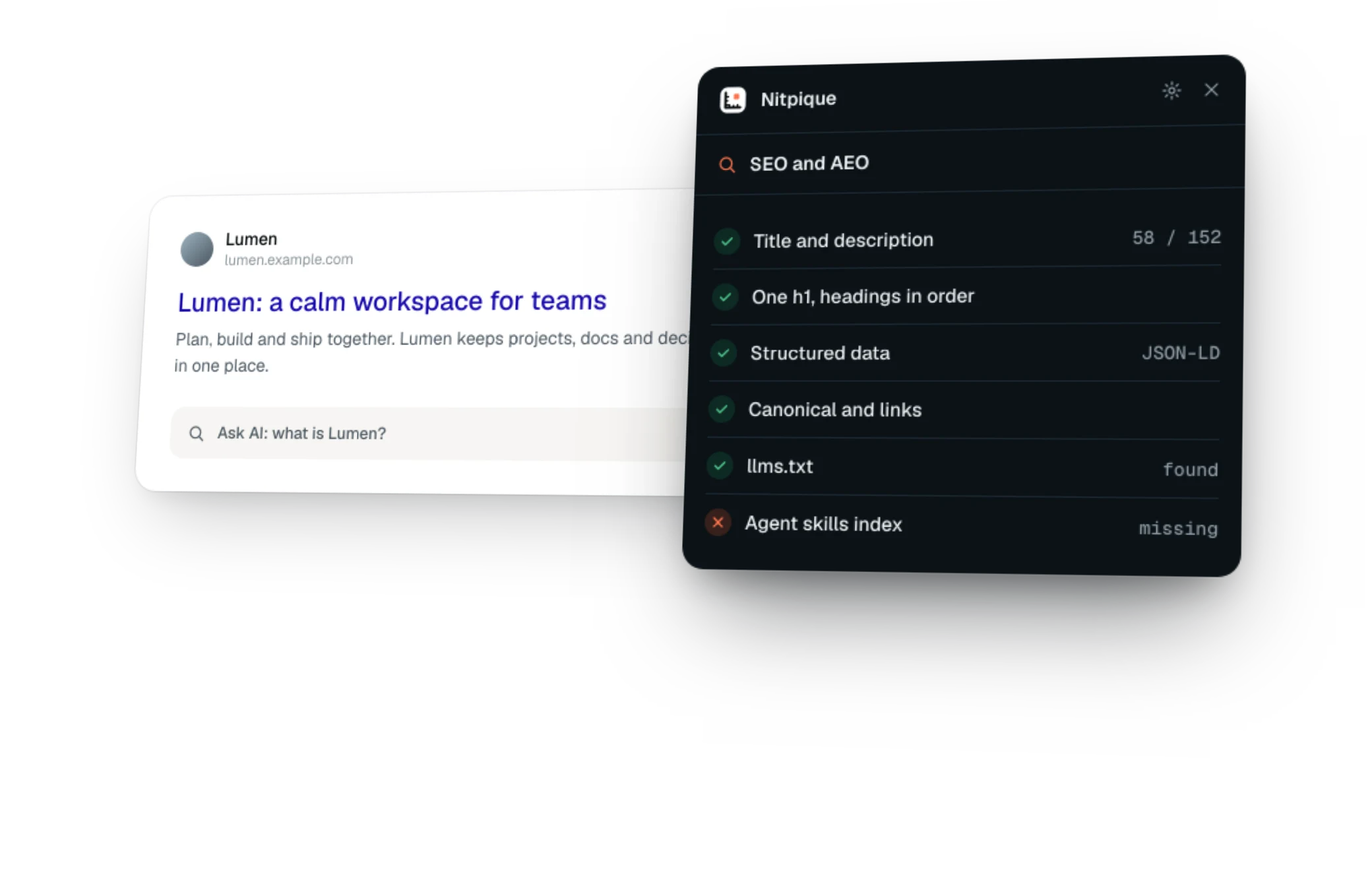
SEO and AEO
Meta, structured data and links, plus how answer engines read the page.
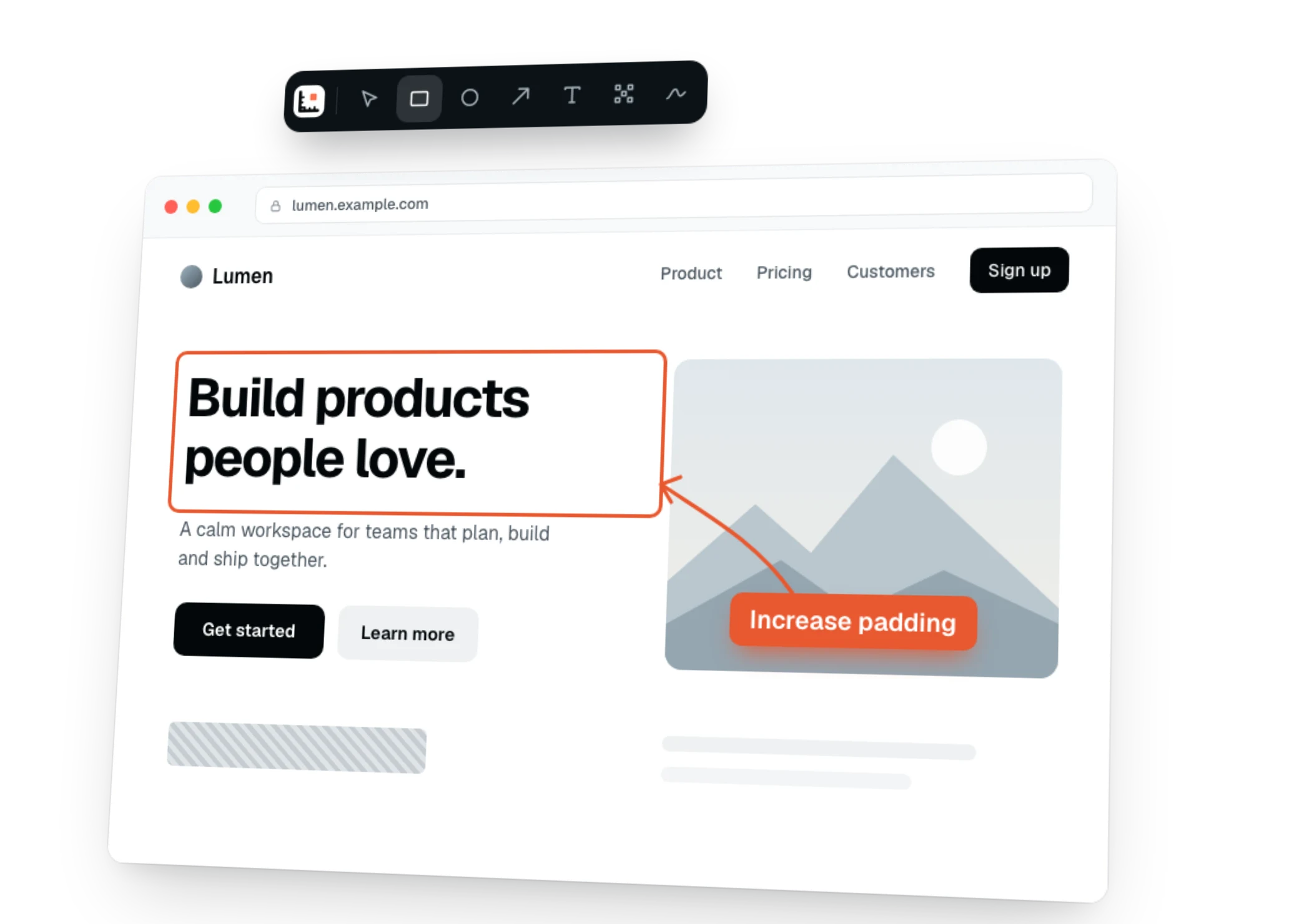
Capture and annotate
Arrows, notes and blur on the page, with the bug report details attached.
And more
Everything a designer, developer or tester checks on a page, without switching extensions.
A loupe up to 32×, in seven formats from HEX to OKLCH.
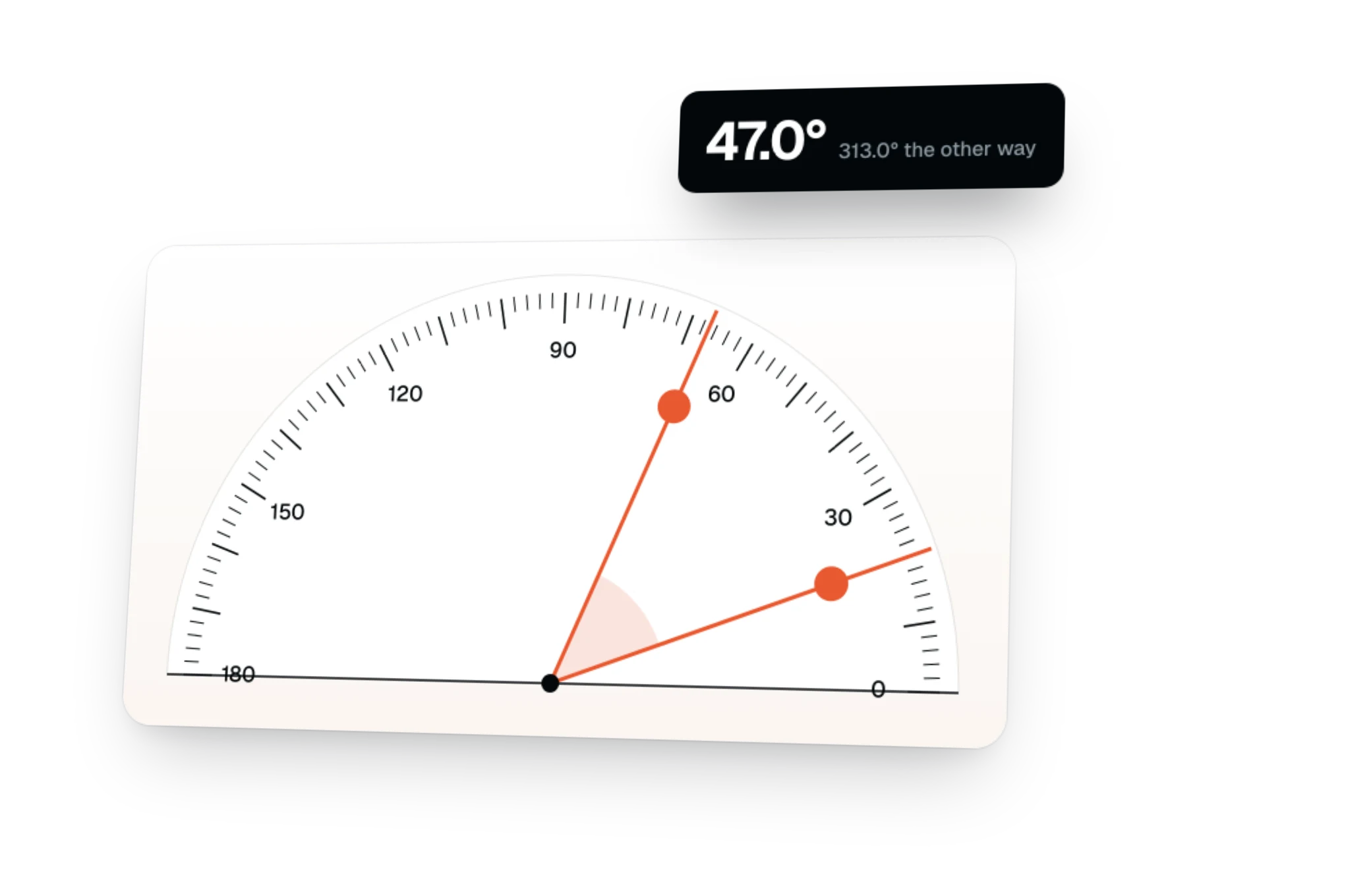
Guides that snap to element edges, with the gap between them.
Cap height, x-height and baseline, not the line box.
Every element outlined, each tag in its own colour.
Overlays for tracks, gaps and alignment.
Styles as CSS, Tailwind classes or JSX, ready to paste.
Any site's palette, type scale and spacing.
Why Nitpique
Today you switch between a ruler extension, a colour picker, an accessibility checker, an SEO extension and DevTools. Nitpique does all of it in one toolbar, for free.
| What you get | Nitpique | Measuring extensions | Audit extensions | Browser DevTools |
|---|---|---|---|---|
| Distances between any two elements | ||||
| Colour picker that names the CSS colour and token | Rare | Manual | ||
| Edit CSS live, copy it as a diff or a prompt for your agent | Rare | Diff only | ||
| Accessibility score and a full axe-core audit | Contrast only | Lighthouse | ||
| Page weight, layout shifts, LCP and INP | Some | Separate panels | ||
| SEO and AEO checks | SEO only | SEO only | ||
| Capture and annotate, with bug report details | Some | Capture only | ||
| Every tool free | Paid tiers | Varies | ||
| No account, no tracking | Varies | Varies | ||
| Chrome and Firefox | Varies | Varies |
The other columns describe what is typical for each kind of tool; individual products and plans vary.
More by Nitpique
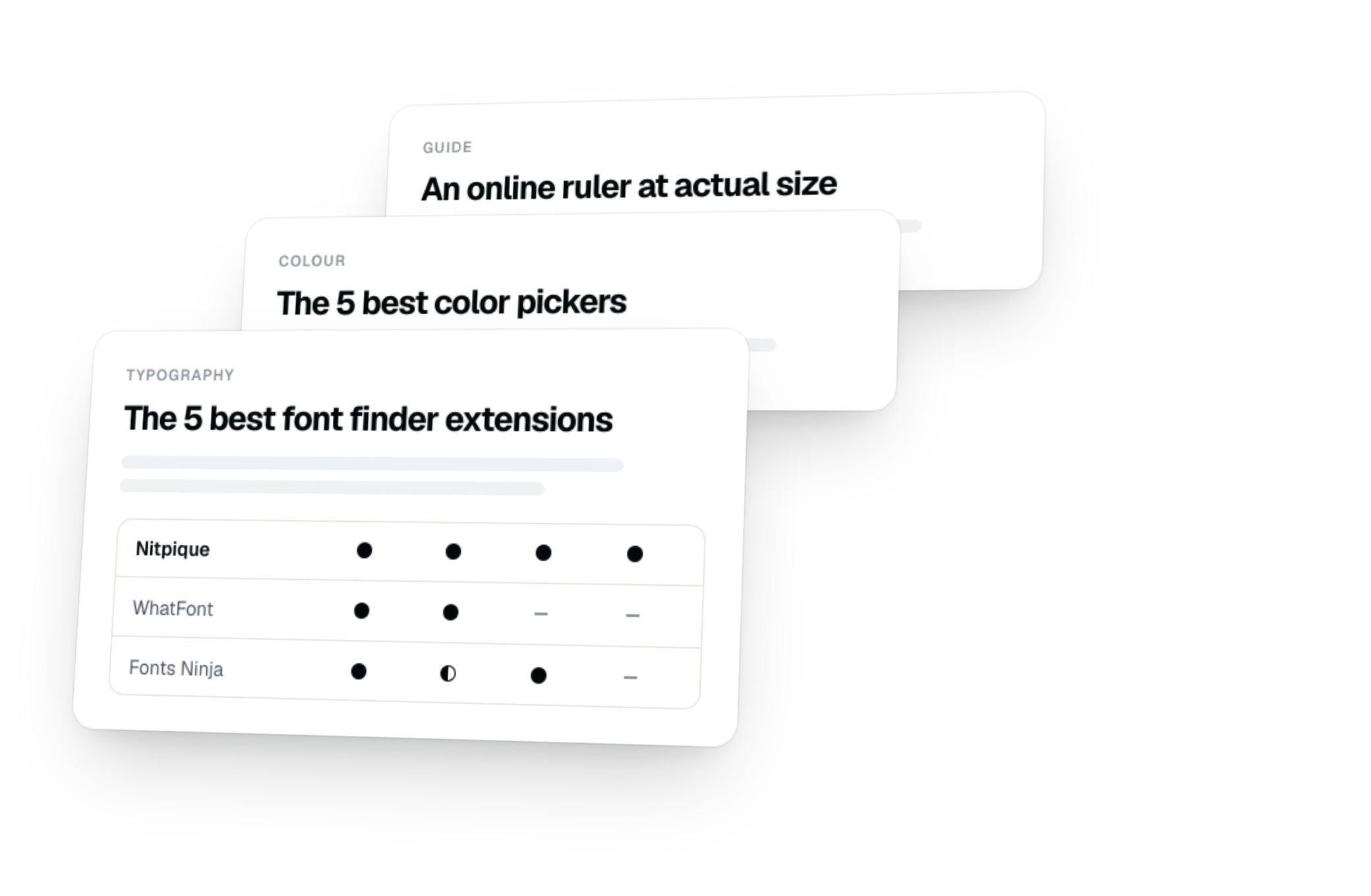
Nothing to install and no account: open one and use it.
Pricing
Every tool that runs in your browser is free, today and as it grows. Pro is for AI and teams, and it comes later.
$0forever
Every tool in the extension and the Annotator. No account.
Later
Everything in Free, plus AI and teams.
Nothing that is free today will ever move to Pro.
FAQ
Still unsure? The docs walk through every tool, or ask Swapnil Gupta on GitHub or X.