How to download a font from a website (and when you are allowed to)
Find the font a website uses, see where it is loaded from, and get it the right way: free from Google Fonts, Bunny Fonts or Fontshare, or by licence or a free lookalike when it is not free.
By Swapnil Gupta · · 5 min read
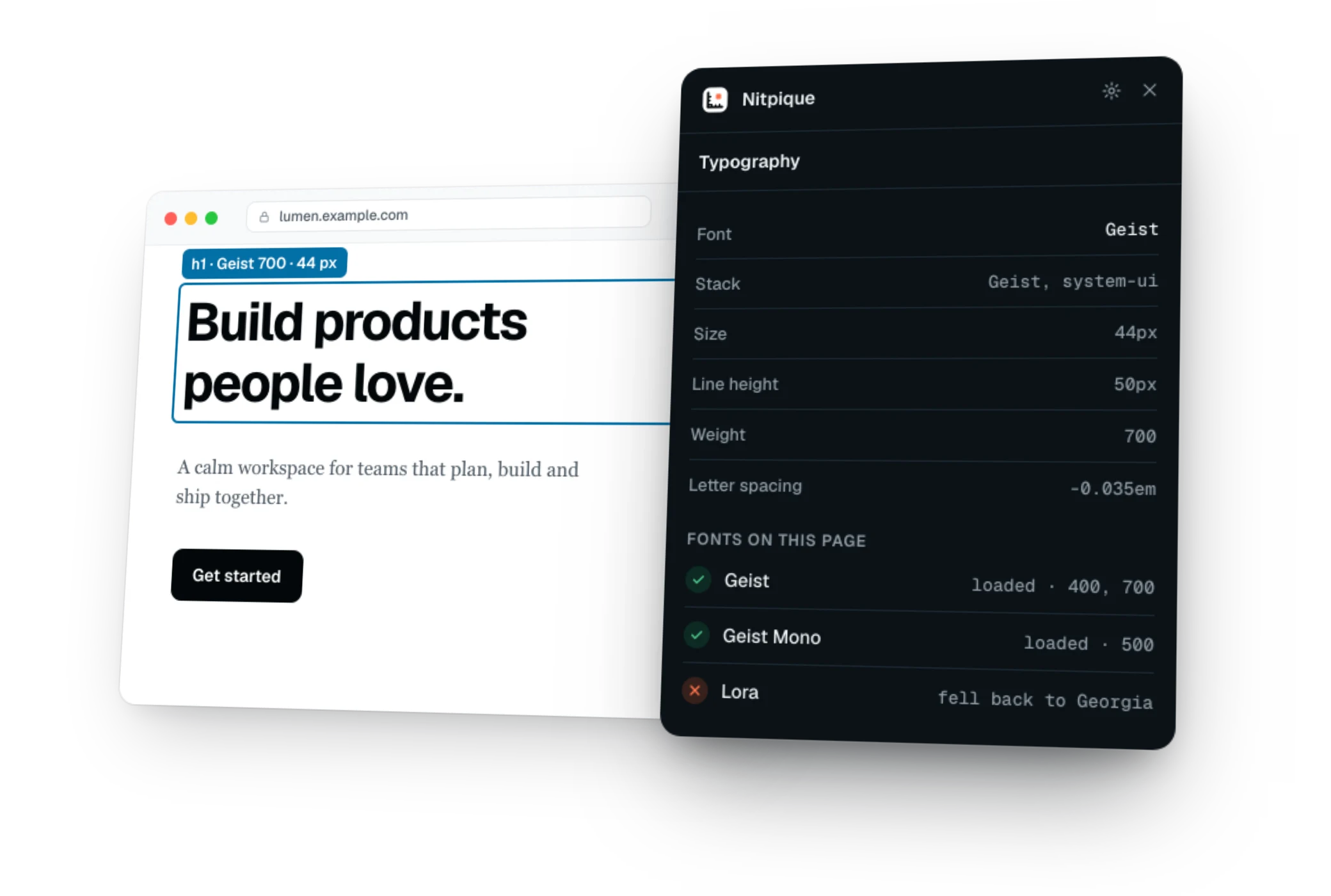
You found a font you like on a website and want to use it in your own design. Getting its name is the easy part. Whether you can download it, and from where, depends on one thing: where the page loads it from.
1. Find the font's name#
Click the text with a font finder, or right-click it, choose Inspect, open the Computed tab and scroll to Rendered Fonts. Use the font the browser actually drew, not just the first name in the CSS: when a web font fails to load, the page quietly falls back to the next one. For the details, read how to find and check any website's font.
2. See where it is loaded from#
Every web font is a file the page downloads, named in an @font-face rule. The address of that file tells you who serves it, and that decides what you may do with it:
| Served from | What it means | How to get it |
|---|---|---|
| fonts.googleapis.com, fonts.gstatic.com | Google Fonts: open licences, free to use | Download the family from its page on fonts.google.com |
| fonts.bunny.net | Bunny Fonts, which serves the Google Fonts library | Download it from Bunny Fonts or Google Fonts |
| fontshare.com | Fontshare: free fonts, each under its own licence | Download it from its page on fontshare.com, after reading its licence |
| use.typekit.net | Adobe Fonts, used through an Adobe subscription | Use it through your own Adobe account, if your plan includes it |
| The site's own address, or another host | Usually a font the site has a licence for | Buy it from the foundry, or use a free alternative |
To find the address by hand, open DevTools, go to the Network tab, filter by Font, and reload the page: each row is a font file, with the host it came from.
3. Why not just save the file?#
- The licence. A font being reachable at a public address does not make it free. Most commercial web font licences cover one website, not your project.
- It may be incomplete. Font services often send only the characters a page needs, split into several small files, so the file you save can be missing letters.
- It is a web format. Pages load WOFF2, a compressed format for browsers, which design apps and operating systems often cannot install directly.
The library's own download gives you the complete family, in desktop formats, with its licence.
4. When it is not free: buy it, or use a lookalike#
Search for the name on the font libraries, such as Google Fonts, Fontshare, Adobe Fonts and MyFonts, to find the foundry and buy a licence. Or use a free font that fills the same role. Some free fonts are made to match well-known ones letter for letter:
| Font on the page | Free font in its place |
|---|---|
| Arial, Helvetica | Arimo (same letter widths as Arial) |
| Times New Roman | Tinos (same letter widths) |
| Courier New | Cousine (same letter widths) |
| Georgia | Gelasio (same letter widths) |
For others, look for one close in style: Montserrat is a common choice in place of Gotham, for example. Close is not identical, so compare them at the sizes you will use.
Doing it in one step with Nitpique#
Nitpique's Get this font does steps 2 to 4 for every font on the page. Open the Design tab, find Fonts, and press Get this font under a row:
- For a Google Fonts, Bunny Fonts or Fontshare font, it links to the font's own page there, where you download it free.
- For any other web font, it shows where it is loaded from and its format, copies the file's address, says it is licensed to the site, and searches Google Fonts, Fontshare, Adobe Fonts and MyFonts for it, with similar free fonts for well-known ones.
- For a font with no file, it says the font is installed on your device.
It never downloads a licensed font itself: it points you to where you can get the font properly.
Before you use a font you found#
- I know the font the page really drew, not only the first name in its CSS
- I know where it is served from
- I downloaded it from the library's own page, or bought a licence
- I read the licence, and it covers how I will use the font
- If it is not free, I compared a free alternative at my real sizes